Battle Born Tech
Battle Born Tech
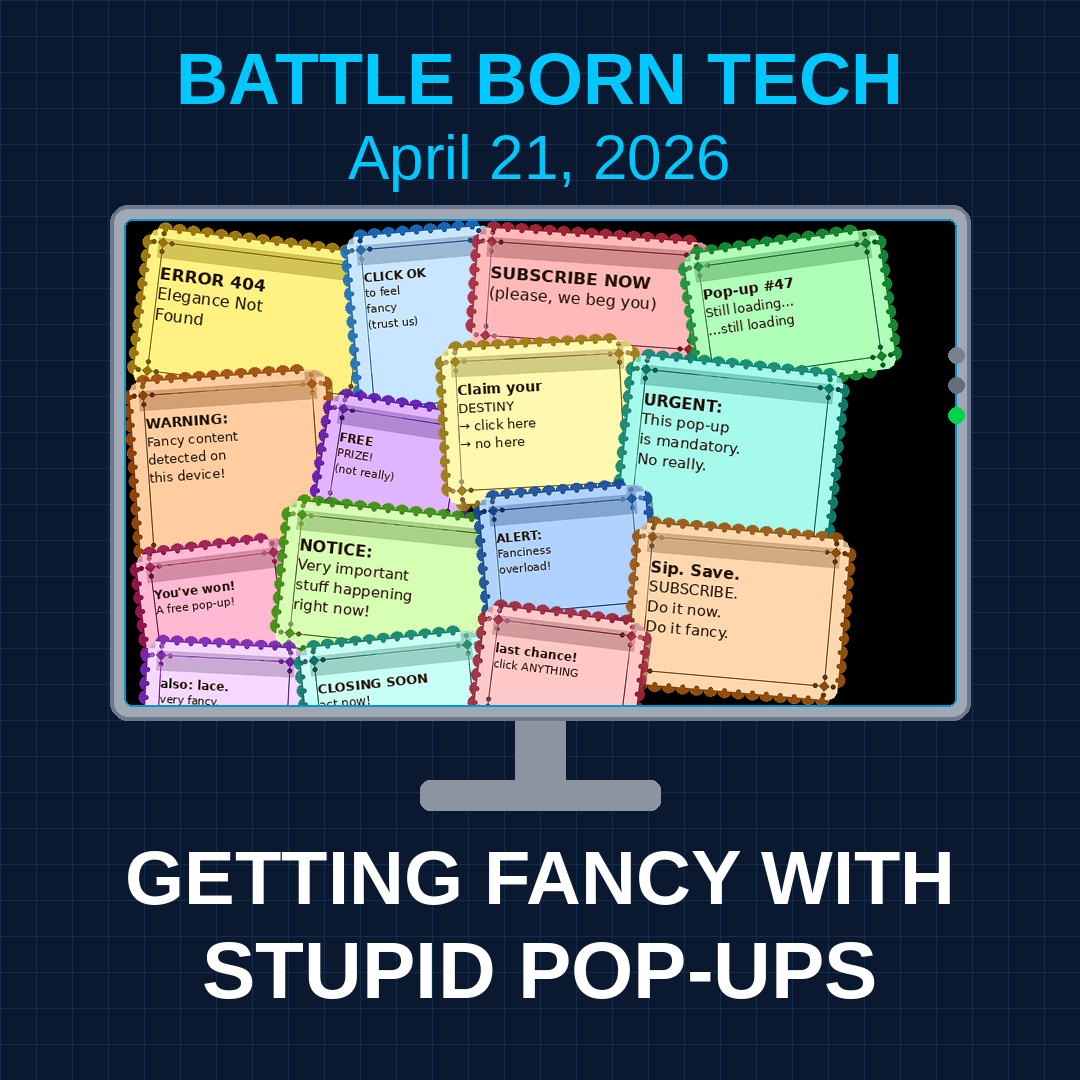
Getting Fancy with Stupid Pop-ups
Loading
/

CALL US SATURDAYS

9 am – 11 am Pacific

775-241-3571

Click for More Info

BBT from 2020

Has High Quality Stereo Recordings 

Breakmaster Cylinder composed and performs our theme music.

Getting Fancy with Stupid Pop-ups

This week on Battle Born Tech, our callers get into the zone and battle stupid pop-ups. Diane struggles to find her screen under notices from “McAfee”. We set our browsers to don’t ask, don’t shill.

Joan is locked in the Windows store with her new computer. We look at S mode, Smart Screen and Smart App control.

Esteban wants to have certain apps in specific windows on this screen. Fancy Zones from Powertoys helps him with he decorating.

See last week for more on our caution that old browsers with old insecure ways of code talking are not welcomed on today’s secure websites. (the “s” in https://) 

We are in the studio Saturdays 9 am to 11 am Pacific. Call direct to studio then or anytime at 775-241-3571 and set up a time to battle your tech!
 

“Diane with so many problems on her computer.” 

“Probably your browser is probably to blame”

“With much imagination, does it look like a wave?”

“Do you know what S mode stands for?”

“That was a better answer than mine.” 

“Parallel Skunk Works”

“BBT Link with a dot between the L and the i-n-k (for the latest) https://bbtl.ink/stats” 

“It’s a little geeky not too much. You can handle it.”

“Store, Secure, Security Scary, Stupid, Store, School, Strict, Safe, Simple, Streamlined, Sandboxed, or Stifling” 


BATTLE PLANS


Browser HiJack

A browser hijack occurs when a malicious web page forcibly takes over your browsing experience without your consent, using tricks like looping pop-up dialogs, fake virus warnings, or fullscreen mode to trap you. The goal is to panic you into calling a fake support number or downloading malware. If it happens, force-close the browser with Alt+F4 (Windows) or Cmd+Q (Mac) — and never call any phone number shown on the page.

TLS

Stands for “Transport Layer Security.” TLS is a data encryption technology that provides secure data transfers from websites to users. Older computers with older browsers containing no longer secure cryptographic suites cannot access current websites since TLS has been updated.

Power Toys 

A free suite of utility tools built by Microsoft to give power users greater control over their Windows experience. PowerToys was never an independent company, it has always been a side project developed internally at Microsoft, originally dating back to the Windows 95 era.  The suite includes handy tools like FancyZones for custom window layouts, PowerRename for bulk file renaming, a color picker, a keyboard remapper, and many more.

Tuesdays 8 PM Pacific 95.1 FM

Streaming LIVE and on-demand at KNVC.ORG

775-241-3571 or [email protected]

Battle Born Tech
Battle Born Tech
Bright Lights, Old Macs
Loading
/

CALL US SATURDAYS

9 am – 11 am Pacific

775-241-3571

Click for More Info

BBT from 2020

Has High Quality Stereo Recordings 

Breakmaster Cylinder composed and performs our theme music.

Bright Lights,
Old Macs

This week on Battle Born Tech, our callers’ computers. Robin’s iPhone is so bright she has to wear sunglasses at night. We spelunk in accessibility settings for a solution. We ask for a better one from listeners or from Apple.

Ron rescues his dongleless mouse from the ecycle bin by discovering a Unifying product line from Logitech. Bluetooth is even more universal but more expensive.

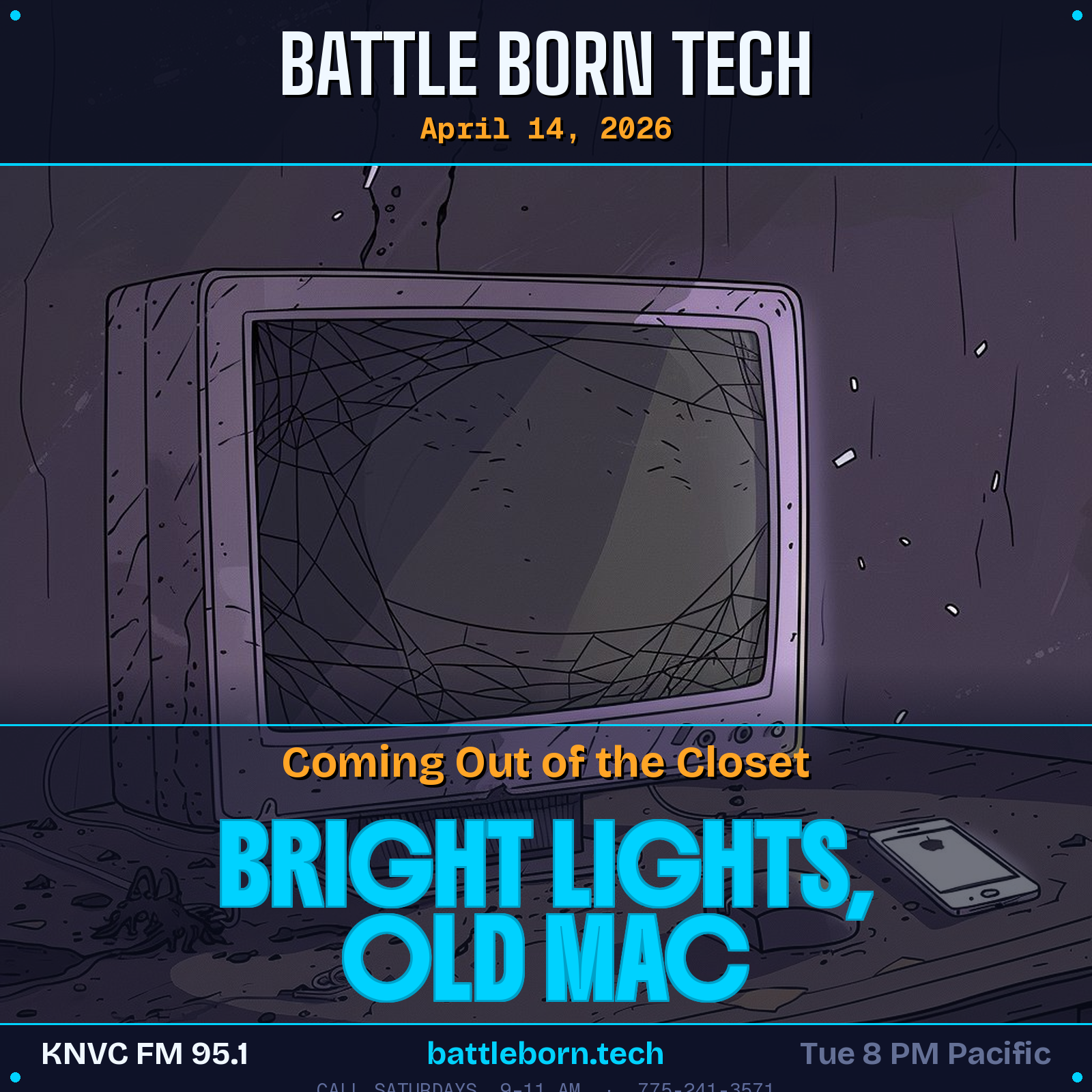
Robin comes out of the closet with her husband’s old All-in-One Mac. We suggest web applications but the browser’s old TLS definitions probably stop that use. Applications already Aon it will work, but new ones cannot be added. 

We are in the studio Saturdays 9 am to 11 am Pacific. Call direct to studio then or anytime at 775-241-3571 and set up a time to battle your tech!
 

“I would pay money if my phone didn’t tell me what’s happening in the world.” 

“Get into your dark place and give us a call.”

“Unless you want the FBI knocking at your door.”

“Boy those were crazy years.”

“I’m so glad you are taking questions now.” 

“I’m on team husband right now.”

“Might be a gotcha somewhere.” 

“That would be a very battle born techy thing to do.”

“Dance with the one who brought you.” 


BATTLE PLANS


Cap’n Crunch Whistle

In the mid-1960s the prize in Cap’n Crunch cereal boxes produced at 2600 Hz tone that was used to take over phone switching systems. 

TLS

Stands for “Transport Layer Security.” TLS is a data encryption technology that provides secure data transfers from websites to users. Older computers with older browsers cannot access current websites since TLS has been updated.

Color Warmth/Temperature

Warmth is how light feels while Color Temperature is a technical measurement in Kelvin of light, 6500K is daylight bulb (outside is 10,000K) and crisp and blue, while 2700K is amber looking candlelight bulb. 

Tuesdays 8 PM Pacific 95.1 FM

Streaming LIVE and on-demand at KNVC.ORG

Call
775-241-3571

Battle Born Tech
Battle Born Tech
Zoom In, Log In, Plug In
Loading
/

CALL US SATURDAYS

9 am – 11 am Pacific

775-241-3571

Click for More Info

BBT from 2020

Has High Quality Stereo Recordings 

Breakmaster Cylinder composed and performs our theme music.

Zoom In, Log In, Plug In

March 3, 2026

This week on Battle Born Tech, Joe and Christy welcome three callers and talk about scammers trying to butcher your piggy bank and how to use Windows games (not OneDrive!) on Linux machines using Proton.

Robert has some grandma helping tips. Fitting a webpage or reading captions on a monitor using the Zoom functions 

Billy wonders who all these people are on his company’s Linkedin Page. We give some hints to keep the staff up to date.

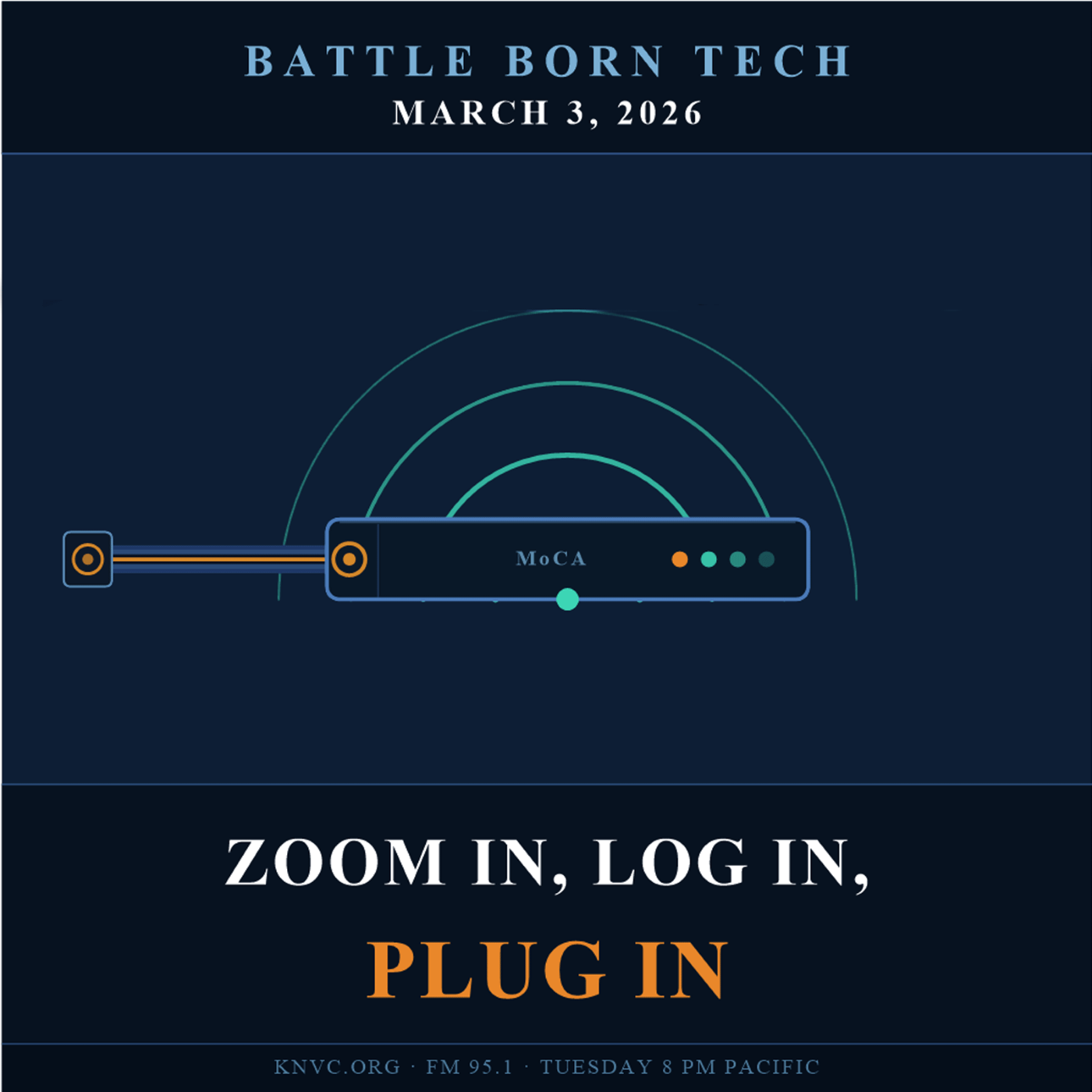
Steve finds out about MoCA for his internet and also what an internet switch is. After call reviews strategies for wifi placement. Christy recommends looking for gigabit switches and stay away from hubs if you find an old one. 

Last week on Battle Born Tech: Check out the fork of WINE for gaming on Linux:  Proton. Unlike Wine, Proton typically requires no configuration and is intended for the complete beginner. Just install Steam and enable Proton!

We are in the studio Saturdays 9 am to 11 am Pacific. Call direct to studio then or anytime at 775-241-3571 and set up a time to battle your tech!
 

“Some good tips for our more senior listeners”

“Usually they put more effort into it.” 

“We’re going to need a bigger monitor.”

“Are We Still On For Lunch?”

“Just looked at it-Ugh-Delete!”

“You Can’t Control the Internet.” 

“Use the Zero option to get your windows back.”

“They mumble words…like a certain radio show.” 


BATTLE PLANS


Ctrl-0 (Zero)

 Holding the Ctrl key and tapping the Zero key returns a zoomed window to 100% size.

Pig Butchering

It is the long con where the scammers give you something to begin (small investment return, love) to fattening you up for the slaughter later when they take all your money . 

WINE

Stands for “Wine Is Not an Emulator”, instead it is a compatibility layer which allows Windows programs to run on Linux by implementing the Windows system calls (API). Link to Proton alternative.

Link to Bottles Add-on

Megs & Gigs not Mips

“Megs” (Mbps) and “Gigs” (Gbps) — these just describe how fast data travels to and from your device. Like water flowing through a pipe: the bigger the pipe, the more data gets through at once. A “Gig” connection is 1,000 times faster than a “Meg,” making it better for households with lots of devices or heavy streaming. Mips is Millions of Instructions per second, how fast a computer processes.

API

Application Program Interface. Provides developers with user interface controls and elements, such as scroll bars and dialog boxes. It gives commands to access the file system such as creating and deleting files.

MoCA

Multimedia over Coax Alliance. Lets folks to use existing coax wiring (for cable TV) for internet connection with paired devices on either end of the coaxial cable. Care needs to be taken to get the correct version if cable TV or DirecTV is using the coax.

Token Ring Network

A token ring is a type of local area network where devices are connected in a circle and share data using a “token” — a small packet of data that gets passed around the network. Only the device holding the token can send data at any given time, which prevents data collisions and keeps traffic orderly. Developed by IBM in the 1980s and later standardized as IEEE 802.5, token ring technology was once a popular alternative to Ethernet, though it has since been largely replaced by modern networking standards.

Tuesdays 8 PM Pacific 95.1 FM

Streaming LIVE and on-demand at KNVC.ORG

Call
775-241-3571