
CALL US SATURDAYS
9 am – 11 am Pacific
775-241-3571
Click for More Info
- Textise,net
- Are You Dead
- Snug
- irfanview for photos
- OneDrive.Live.Com
- rclone
- OneDrive Client for Linux
- BBT links for you
BBT from 2020

Has High Quality Stereo Recordings
 Breakmaster Cylinder composed and performs our theme music.






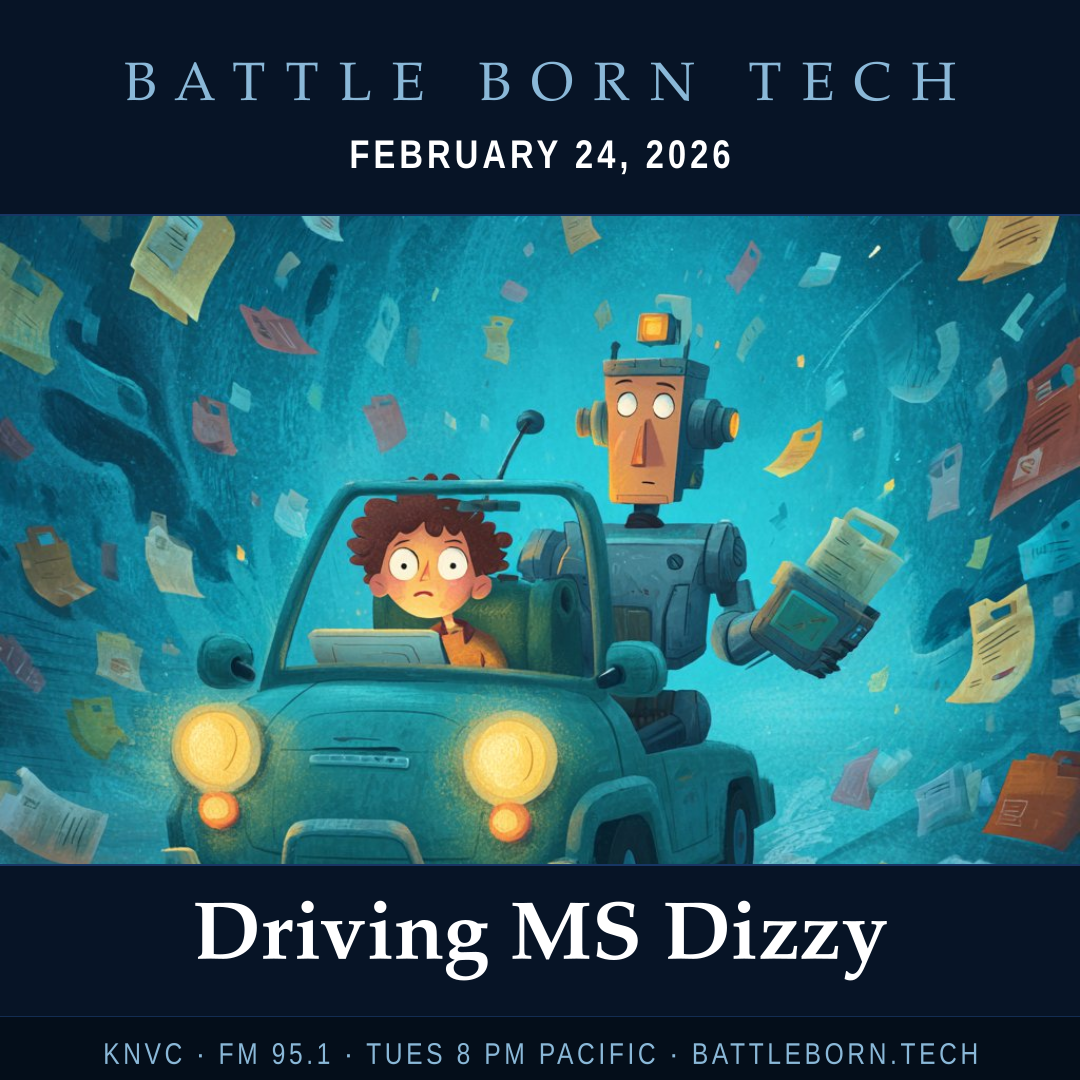
Driving MS Dizzy
This week on Battle Born Tech during the State of the Union address, we are seeking files and drives. Joan leaves a voicemail wanting to know about the lock screen photos, then, by voice call, we hear Joan is surprised when Microsoft’s One Drive works and moves her files to her new machine. Our second voicemail is from Lee who wants to get OneDrive on his Linux based Raspberry Pi 500. Caution: I get distracted talking about WINE, but WINE is not for OneDrive!
We are in the studio Saturdays 9 am to 11 am Pacific. Call direct to studio then or anytime at 775-241-3571 and set up a time to battle your tech!
“We give responses not answers.”
“Joe, are you still alive today?”
“Now you’re the Tamagotchi.”
“Have we ruled out elves?”
“Some Bitcoin repository and can’t get it out.”
“The ones who don’t have trouble—don’t come in!”
“They don’t call it Bitlocker but it is Bitlocker!”
“If you are a Windows user and you go over to Linux—you’re just spoiled.”
“No Xies on Linux”
“Bingo Bango”
“No Exes on Linux”
All em-dashes — were made by the common number of human fingers on the keypad—ALT+0151—no A.I. was involved in their creation.
BATTLE PLANS

Tamagotchi
Tamagotchi is a brand of small, egg-shaped handheld digital pet devices created by Akihiro Yokoi and Aki Maita and marketed by Japanese toymaker Bandai since 1996. Players nurture a virtual pet through various life stages using a simple three-button interface. The name blends the Japanese words tamago (“egg”) and uotchi (“watch”).
Lock Screen Photos
Paste this into the file explorer window to get the directory with lock screen photos. They need to be renamed with an .jpg at the end (the extension) for most programs to display them.
%USERPROFILE%\
AppData\Local\Packages\
Microsoft.Windows.
ContentDeliveryManager_
cw5n1h2txyewy\
LocalState\Assets
Hard Drive Encryption
Windows 11 Home does automatic data encryption if you use a microsoft account to set up your computer. (Pro uses the more robust BitLocker.) Both store the recovery key in the Microsoft account.
How to turn if off (or on)
Go to Settings → Privacy & Security → Device Encryption
WINE
Stands for “Wine Is Not an Emulator”, instead it is a compatibility layer which allows Windows programs to run on Linux by implementing the Windows system calls (API).
Link to Proton alternative.